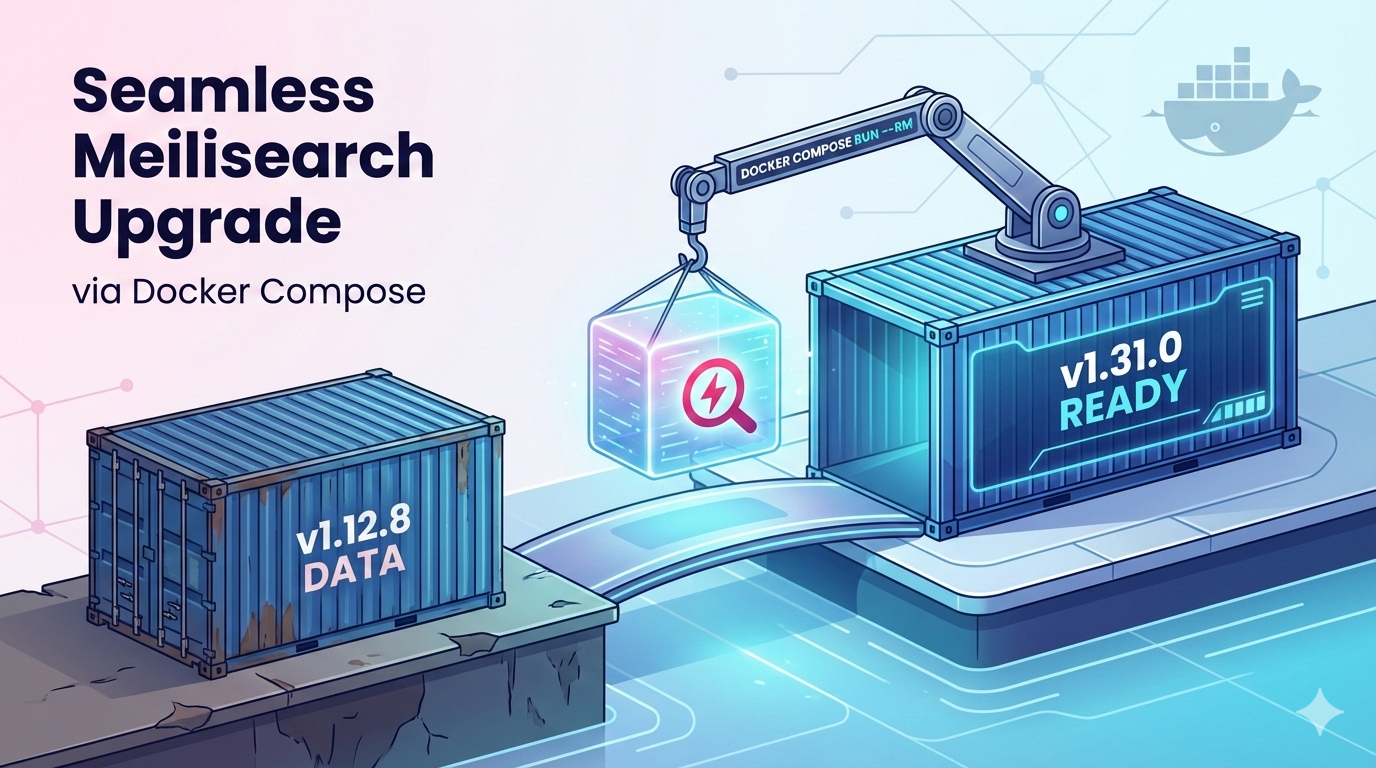
Intro
Upgrading between major Meilisearch releases isn’t as simple as changing an image tag. Because Meilisearch uses a highly optimized internal database structure, its data files (data.ms) are version-specific. If you try to point Meilisearch v1.31 at a v1.12 database, it will crash on startup.
In this post, we’ll walk through how to migrate your data using a temporary migration container with Docker Compose — keeping your production config clean and your data safe.
Table of Contents
The Problem
Meilisearch requires a Dump (a compressed version-agnostic export) to move between major versions. The workflow looks like this:
- Export data from the Old version.
- Wipe the data directory.
- Import data into the New version.
The Solution: A 3-Step Migration
Phase 1: Creating the Export (The Dump)
Ensure your docker-compose.yml is still using your old version (e.g., v1.12.8).
Run your stack and trigger the dump via the API:
docker compose exec meilisearch curl -X POST 'http://localhost:7700/dumps' \
  -H "Authorization: Bearer YOUR_MASTER_KEY"
Check the /tasks endpoint to ensure the status is succeeded.
docker compose exec meilisearch curl 'http://localhost:7700/tasks?types=dumpCreation' \
  -H "Authorization: Bearer YOUR_MASTER_KEY"
Your dump file will now be located in your mapped volume (e.g., ./MeiliData/dumps/20260107-155552777.dump). Dubble check that it is there before you move on to the next phase.
Phase 2: The “Clean Slate”
Stop your containers:
docker compose stop meilisearch
Meilisearch will not import a dump if it detects an existing database. Rename your old data folder to keep it as a fallback:
mv -v ./MeiliData/data.ms ./MeiliData/data.ms.backup
Phase 3: The Temporary Migration Container
Update your Docker image to the desired version (e.g., v1.31).
image: getmeili/meilisearch:v1.31.0
Instead of manually editing your docker-compose.yml file with complex or error-prone commands, we’ll use a dedicated “one-off” container. This container inherits your environment variables and volume mounts, ensuring your setup remains consistent—while safely running the import process in isolation.
Just run the following command, replacing the filename with your actual database dump:
docker compose run --rm \
  -e MEILI_IMPORT_DUMP="/meili_data/dumps/YOUR_FILENAME.dump" \
  meilisearch \
  meilisearch
What’s happening here?
--rm: Deletes the container as soon as the import is finished.-e MEILI_IMPORT_DUMP: Tells the engine to look for the dump file on boot.meilisearch: The name of the service in your YAML (the second last part is the service name).
When the one-off container is done importing e.g.:
2026-01-07T16:09:47.084997Z  INFO meilisearch: Importing a dump of meilisearch version=V6 date=2026-01-07 15:55:52.781092361 +00:00:00
2026-01-07T16:09:47.095891Z  INFO meilisearch: Importing index `links`.
2026-01-07T16:09:47.100435Z  INFO meilisearch: Importing the settings.
2026-01-07T16:10:00.372301Z  INFO meilisearch: All documents successfully imported.
...

2026-01-07T16:10:00.411250Z  INFO actix_server::builder: starting 56 workers
2026-01-07T16:10:00.411351Z  INFO actix_server::server: Actix runtime found; starting in Actix runtime
2026-01-07T16:10:00.411385Z  INFO actix_server::server: starting service: "actix-web-service-0.0.0.0:7700", workers: 56, listening on: 0.0.0.0:7700
and has started successfully, you need to stop the container with CTRL+C
Phase 4: Finalizing the Upgrade
Now that the old data is imported into the new Meilisearch version, simply start your stack backup:
docker compose up -d meilisearch
Conclusion
By using docker compose run, you avoid the “restart loop” that happens if you leave an import command in your main configuration file. It’s a clean, scriptable, and safe way to keep your search engine up to date.